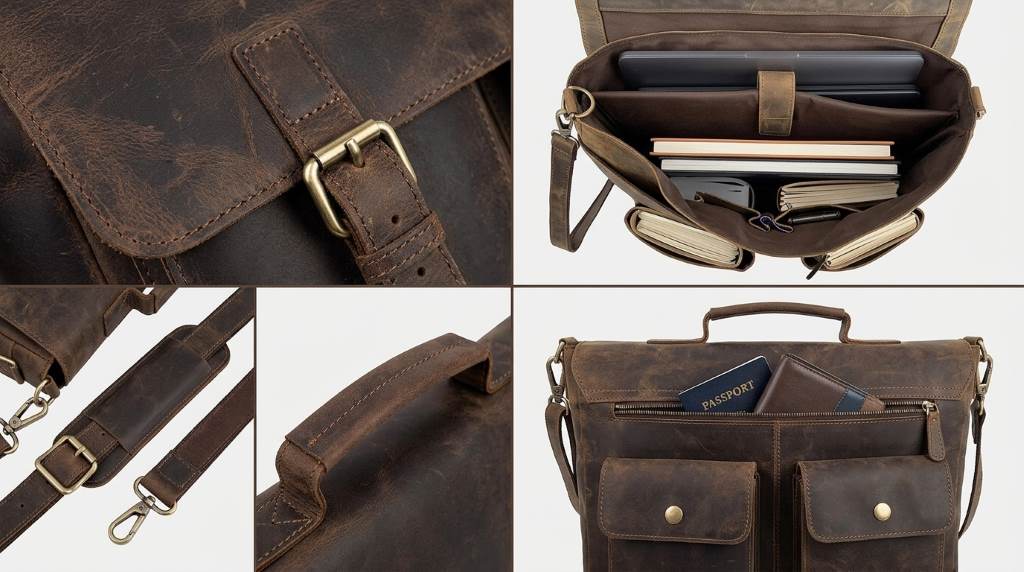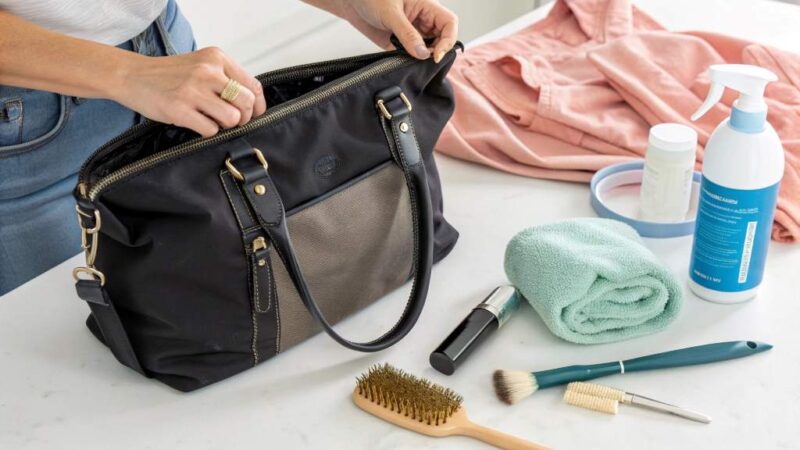
To clean a Kenneth Cole Reaction leather laptop bag, use a soft cloth, mild soap, and minimal moisture. Wipe gently, condition suitable leather, and let the bag air-dry naturally away from heat. A careful routine takes about 10 minutes and can help prevent avoidable surface damage.
Your Kenneth Cole Reaction leather laptop bag deserves different care than canvas or synthetic luggage. Regular cleaning every 3 to 6 months can help control dirt, dryness, stains, and unpleasant odors.
What You Need Before Cleaning the Leather Bag
Start by removing your laptop, charger, documents, pens, and every other item from the compartments. Then empty exterior pockets and shake the bag gently to remove loose debris.
Gather two clean microfiber cloths, lukewarm water, mild liquid soap, and a suitable leather conditioner. You may also need a soft toothbrush for seams, stitching, and difficult corners.
- Two clean microfiber or soft cotton cloths
- Lukewarm water
- A small amount of mild liquid soap
- Leather conditioner compatible with the bag’s leather
- Soft toothbrush for seams and crevices
- Clean, dry towel for final drying
Avoid paper towels, rough sponges, bleach, alcohol, acetone, and strong household cleaners. These products can strip finishes, dry leather, discolor surfaces, or leave permanent marks.
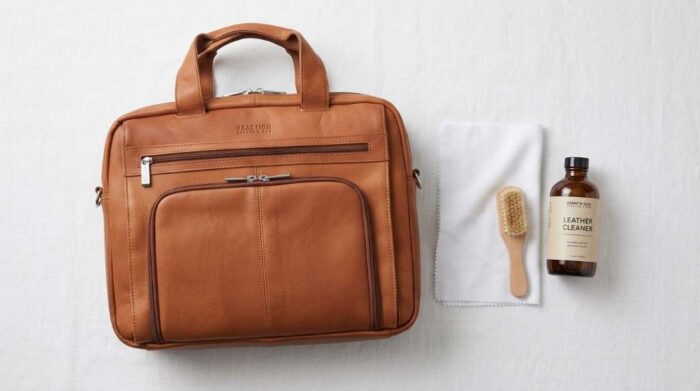
Check the Leather Before Applying Anything
Not every Kenneth Cole Reaction bag uses identical leather or finishes, so inspect the material first. Look for the product label, care instructions, or material description before choosing a conditioner.
Some Reaction bags use genuine leather, while other models use faux leather or different leather constructions. Therefore, never assume that one cleaning product works safely across every Kenneth Cole Reaction model.
Also inspect the surface for peeling, cracking, deep scratches, loose stitching, or damaged edges. Cleaning cannot repair structural damage, and aggressive rubbing can make those problems worse.
Perform a Hidden-Surface Patch Test
Apply a tiny amount of your cleaning mixture to an inconspicuous leather area. Wait until the area dries completely, then check for darkening, discoloration, stiffness, or changes in texture.
If the leather reacts badly, stop immediately and avoid using that product on visible areas. This simple test protects against unnecessary color and finish damage.
How To Clean Kenneth Cole Reaction Leather Laptop Bag
1. Remove Loose Dust and Dirt
Use a dry microfiber cloth to wipe the entire exterior before adding moisture. Move gently across the leather instead of scrubbing dirt deeper into the surface.
Pay extra attention to corners, seams, handles, flap edges, and areas that contact clothing frequently. These locations often collect body oils, dust, and everyday grime.
2. Prepare a Mild Cleaning Solution
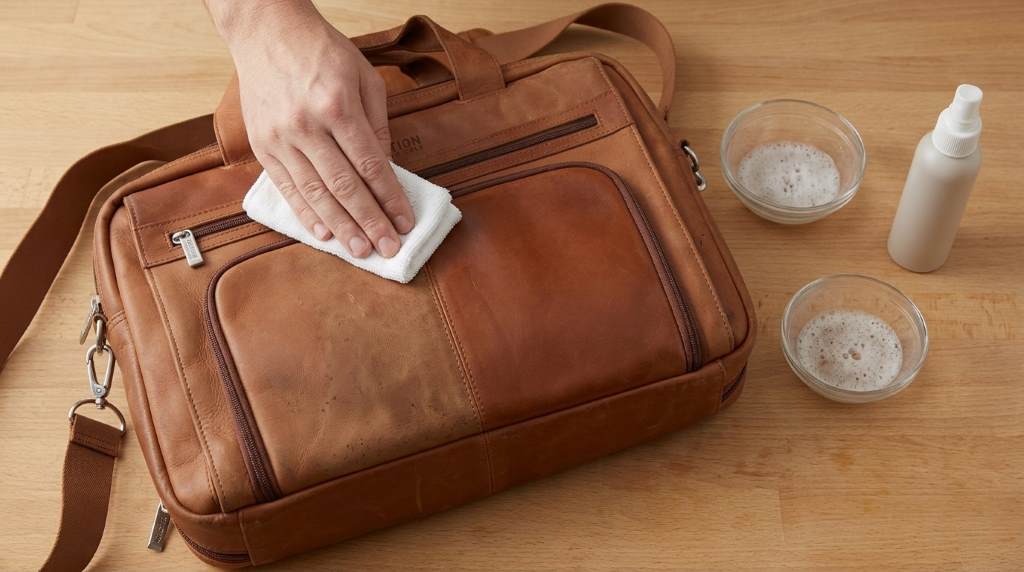
Fill a small bowl with lukewarm water and add only a few drops of mild liquid soap. The solution should remain lightly soapy rather than heavily concentrated.
Dip one cloth into the solution and wring it thoroughly until barely damp. Never soak the leather or pour cleaning solution directly onto the bag.
3. Wipe the Leather Gently
Work across one small section at a time using light circular motions. Start with cleaner areas and gradually move toward visibly dirty sections.
Use gentle pressure around seams and textured areas because excessive friction can disturb the leather finish. If dirt remains, repeat the gentle pass instead of scrubbing harder.
4. Clean Seams and Hard-to-Reach Areas
Use a soft toothbrush to loosen dirt trapped around stitching and narrow seams. Keep the brush almost dry and work with short, controlled movements.
Afterward, wipe those areas with your barely damp microfiber cloth. Avoid forcing moisture into stitched openings, zipper tracks, or leather folds.
5. Remove Soap Residue
Take your second cloth and dampen it slightly with clean water. Wring it thoroughly, then wipe the cleaned surface to remove remaining soap.
Do not repeatedly wet the same area during this step. Excess moisture can penetrate leather and create uneven drying or temporary discoloration.
6. Dry the Bag Naturally
Pat the leather gently with a dry towel to remove surface moisture. Then leave the bag open in a cool, well-ventilated room.
Never use a hair dryer, radiator, clothes dryer, or direct sunlight to accelerate drying. Rapid heat can cause leather to become stiff, brittle, warped, or cracked.
7. Condition the Leather After Cleaning
Once the bag feels completely dry, apply a small amount of compatible leather conditioner. Spread a thin, even layer with a clean cloth instead of saturating the material.
Conditioning helps replenish softness after cleaning and supports a smoother appearance. However, too much conditioner can make leather greasy and attract additional dust.
Allow the conditioner to absorb according to its product instructions. Then buff the surface lightly with a clean, dry microfiber cloth.
How To Remove Common Stains From a Leather Laptop Bag
Water Spots
Water marks can become more noticeable when leather dries unevenly. Instead of aggressively treating one spot, lightly clean the surrounding leather with a barely damp cloth.
Then allow the entire area to dry naturally and evenly. Avoid applying heat because it can intensify texture and color changes.
Grease and Oily Marks
Blot fresh grease gently with a clean, dry cloth rather than rubbing it into the leather. Give the area time to absorb and release some of the surface oil naturally.
Avoid household degreasers because their solvents can damage leather finishes. Persistent oily stains may require professional leather cleaning.
Ink Stains
Ink presents a greater challenge because solvents can spread pigment or remove the leather’s original finish. Do not scrub the mark with alcohol, nail-polish remover, or household stain remover.
For a valuable or heavily stained bag, professional leather restoration offers a safer approach. Early professional treatment can prevent a small stain from becoming a larger finish problem.
Food and Beverage Spills
Remove solid residue carefully with a soft cloth before cleaning the affected area. Blot liquid spills immediately and avoid pushing moisture deeper into the leather.
After blotting, use the mild cleaning method described above. Let the area dry naturally before applying conditioner.
How To Clean the Interior Lining
The lining needs different treatment because fabric, nylon, and leather respond differently to moisture. First, vacuum or brush loose dust from every compartment.
For fabric lining, use a barely damp cloth with diluted mild soap and test a hidden area first. Never saturate the lining because trapped moisture can encourage mildew and unpleasant odors.
Keep the bag completely open while the interior dries. Make sure every compartment feels dry before storing your laptop or electronics inside.
Cleaning Zippers, Hardware, and Handles
Metal hardware usually needs only a dry microfiber cloth for routine cleaning. If grime remains, use a slightly damp cloth and dry the hardware immediately.
Keep cleaning solutions away from zipper mechanisms whenever possible. Moisture and residue can affect smooth operation or collect dirt around zipper teeth.
Handles and shoulder straps deserve regular attention because hands and clothing transfer oils onto these areas. Wipe them gently during every routine leather cleaning session.
What Not To Use on a Kenneth Cole Reaction Leather Bag
- Do not use bleach or chlorine-based cleaners.
- Do not use acetone or nail-polish remover.
- Do not soak the leather in water.
- Do not scrub aggressively with abrasive brushes.
- Do not dry the bag with direct heat.
- Do not apply conditioner without checking compatibility.
- Do not mix several leather-care products together.
- Do not clean damaged leather aggressively.
These mistakes can cause fading, cracking, peeling, stiffness, staining, or permanent finish changes. Gentle cleaning remains safer than trying to remove every mark immediately.
How Often Should You Clean the Bag?
Clean the exterior whenever visible dirt accumulates, especially around handles, corners, and frequently touched surfaces. For routine maintenance, a deeper clean every 3 to 6 months usually provides a practical starting point.
Heavy commuters may need more frequent surface cleaning because daily handling transfers more oil and dust. Conversely, an occasionally used bag may need attention only when it becomes visibly dirty.
Conditioning frequency depends on the leather and the product instructions. Always prioritize the bag’s specific material requirements over a fixed maintenance schedule.
How To Protect the Leather After Cleaning
Store the bag upright in a cool, dry location away from prolonged sunlight. Keep it away from damp closets, radiators, and areas with large temperature changes.
Do not overload the compartments because excessive pressure can distort leather panels and strain stitching. Use the laptop compartment for its intended purpose and distribute accessories sensibly.
A compatible leather protectant can provide additional resistance against everyday moisture and staining. However, test any protectant first because some formulations can alter leather color or sheen.
When Professional Leather Cleaning Makes More Sense
Professional cleaning becomes worthwhile when the bag has deep stains, extensive discoloration, mold, severe odor, or significant finish damage. It also makes sense when the leather has already started cracking or peeling.
Professionals can identify leather type and finish before selecting cleaning and restoration products. That approach reduces the risk of turning a repairable cosmetic issue into permanent damage.
A Simple 10-Minute Cleaning Routine
- Empty every compartment and remove loose debris.
- Dust the exterior with a dry microfiber cloth.
- Prepare mild soapy water.
- Wring one cloth until barely damp.
- Clean small leather sections with gentle motions.
- Use a soft toothbrush around seams.
- Remove residue with a clean damp cloth.
- Pat the surface dry with a towel.
- Air-dry the bag completely.
- Apply compatible conditioner sparingly.
This sequence keeps moisture controlled while addressing the areas that collect the most everyday grime. Most importantly, it avoids aggressive products that can create more damage than the original stain.
Cleaning Mistakes That Can Shorten Leather Bag Life
One common mistake involves treating leather like washable fabric. Leather needs controlled moisture, gentle friction, and compatible conditioning rather than repeated soaking.
Another mistake involves choosing a conditioner based only on marketing claims. Always consider the actual leather type, finish, color, and manufacturer guidance before application.
Finally, never judge cleanliness immediately after applying conditioner. Leather can look temporarily darker or richer before the product fully settles.
Frequently Asked Questions
Can I Wash a Kenneth Cole Reaction Leather Laptop Bag With Water?
No, use only a barely damp cloth because soaking can damage leather and its finish.
Can I Use Saddle Soap on the Bag?
Only use saddle soap when the bag’s leather and finish specifically support that product.
Can I Use Leather Conditioner After Cleaning?
Yes, apply a small amount of compatible conditioner after the leather becomes completely dry.
How Do I Remove a Bad Smell From the Bag?
Empty the bag, air it thoroughly, and address the odor source without saturating the leather or lining.
What Should I Do About a Deep Leather Stain?
Stop aggressive home treatment and consider professional leather cleaning to prevent permanent finish damage.
Final Thoughts
The safest way to clean a Kenneth Cole Reaction leather laptop bag combines gentle wiping, controlled moisture, natural drying, and compatible conditioning. Avoid harsh chemicals, excessive water, and direct heat because each can compromise the leather.
Before your next cleaning, identify the bag’s material and test every product on a hidden area. Follow this routine consistently, and your laptop bag can maintain a cleaner appearance without unnecessary wear.
Clean your bag today using the gentle method above, then inspect the leather before applying any conditioner or protectant.